Analytical balances, designed for measuring mass to a high degree of precision, are vital in scientific and industrial settings. Their accuracy is paramount for achieving reliable results in chemical, pharmaceutical, and research applications.
Importance of Calibration
Calibration is the process of adjusting an analytical balance to ensure accurate readings. This is essential for maintaining precision in analytical processes, where even the slightest deviation can impact the outcome of experiments or quality control procedures.
Initial Setup
Before delving into calibration, it's crucial to set up the analytical balance correctly. Place the balance on a stable surface, ensuring it is level to prevent inaccuracies caused by tilting or vibrations.
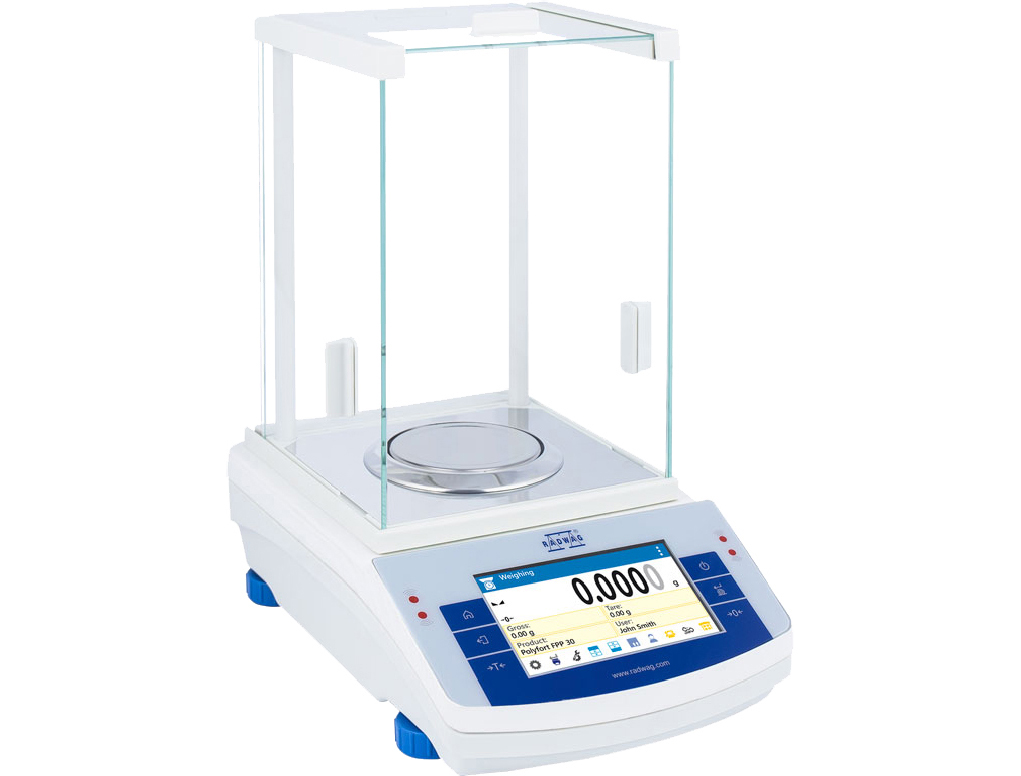
Calibration Weights
The choice of calibration weights is critical. Select weights that match the balance's capacity and precision. Check the weights for damage or contamination, as any issues here can compromise the calibration process.
Calibration Procedure
Calibration typically involves zero-point and span calibration. Zero-point calibration nullifies any electronic or mechanical deviations when the Laboratory balance is at rest, while span calibration ensures accuracy across the full weighing range.
Frequency of Calibration
Establishing a regular calibration schedule is essential. The frequency of calibration depends on factors such as the balance's usage, environmental conditions, and industry regulations.
External Influences
Environmental factors can significantly impact calibration. Ensure the balance is in a controlled environment, free from temperature fluctuations, drafts, or vibrations.
Verification Checks
Perform routine checks between calibrations to identify any deviations promptly. This proactive approach helps maintain accuracy and prevents errors in measurements.
Documentation
Keep comprehensive records of calibration activities. This not only ensures compliance with industry standards but also aids in troubleshooting and identifying trends over time.
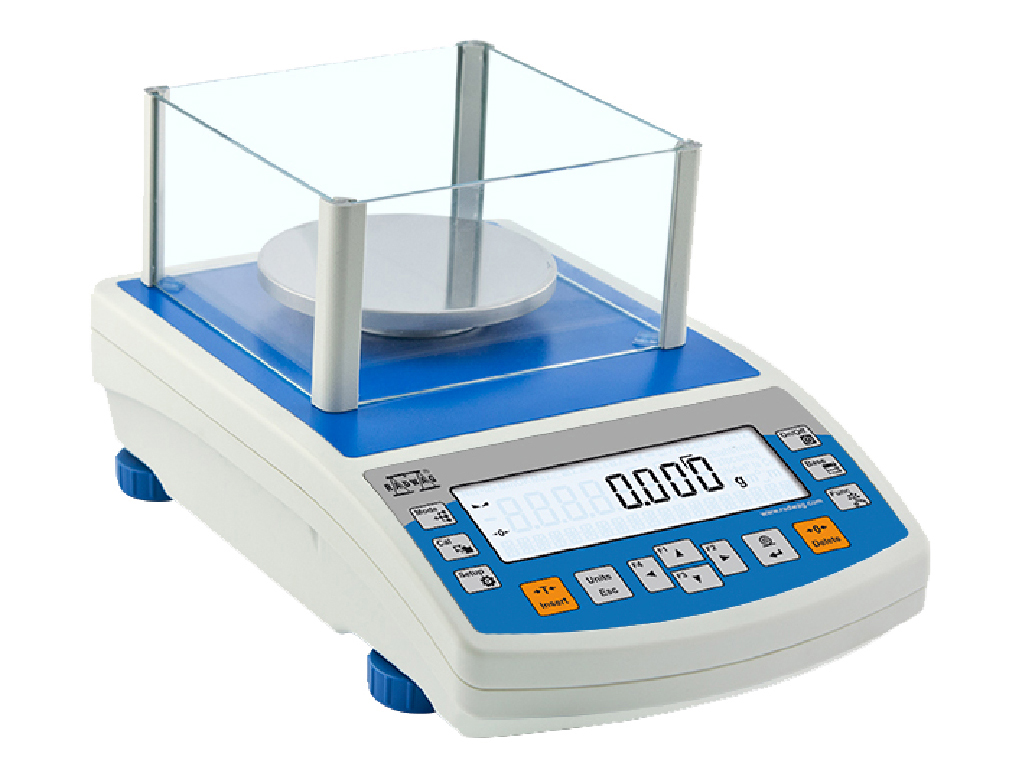
How to Properly Calibrate an Analytical Balance-General instructions
Calibrating an analytical balance is crucial to ensure accurate and reliable measurements in laboratory settings. Here is a step-by-step guide on how to properly calibrate an analytical balance:
1. Gather Necessary Materials:
- Analytical balance
- Calibration weights (standard weights with known masses)
- Clean, lint-free gloves
- Clean brush or anti-static tools
- Leveling bubble or leveling indicator (if applicable)
2. Preparation:
- Ensure that the balance is placed on a stable surface, away from drafts and vibrations.
- Turn on the balance and let it stabilize for at least 30 minutes before calibration.
3. Clean the Balance:
- Wearing clean, lint-free gloves, carefully clean the balance pan and any other surfaces with a brush or anti-static tools to remove any dust or debris.
4. Level the Balance (if applicable):
- Use the leveling bubble or leveling indicator to ensure that the balance is perfectly level. Adjust the balance feet as needed.
5. Tare the Balance:
- Tare the balance with an empty weighing pan to set the display to zero.
6. Select Calibration Weights:
- Choose calibration weights with masses that cover the full range of the balance's capacity. It's recommended to use at least two weights—one close to the lower limit and one close to the upper limit.
7. Perform Calibration:
- Place the first calibration weight on the center of the balance pan.
- Record the displayed weight and compare it to the known mass of the calibration weight. If there is a significant difference, adjust the balance accordingly (consult the balance manual for specific instructions).
8. Repeat Calibration:
- If your balance allows, use a second calibration weight in a different range and repeat the process. This ensures accuracy across the entire weighing range.
9. Document Calibration:
- Keep a calibration log with the date, the masses used for calibration, and the balance's performance. This documentation is essential for quality control and audit purposes.
10. Regular Maintenance:
- Perform routine checks and calibrations as recommended by the manufacturer or your laboratory's quality management system.
- Keep the balance clean and free from debris.
11. Verification (Optional):
- If available, use an external calibration service to verify the accuracy of the balance periodically.
The article is written in general and always follow the manufacturer's instructions