Microscope cameras, also known as digital microscope cameras, have revolutionized the field of scientific exploration by allowing researchers to capture, document, and analyze microscopic images with unprecedented clarity. These compact devices offer a window into the intricate world of the tiniest structures, facilitating breakthroughs in various scientific disciplines. In this article, we'll delve into the types, benefits, selection criteria, and usage of microscope cameras, shedding light on how they are shaping the future of research.
Digital Cameras
Digital Microscope Cameras are equipped with sensors that convert light signals into digital data, ensuring high-quality images that can be directly viewed on a computer or other display devices. They provide real-time observation and are commonly used in research, education, and industrial applications.
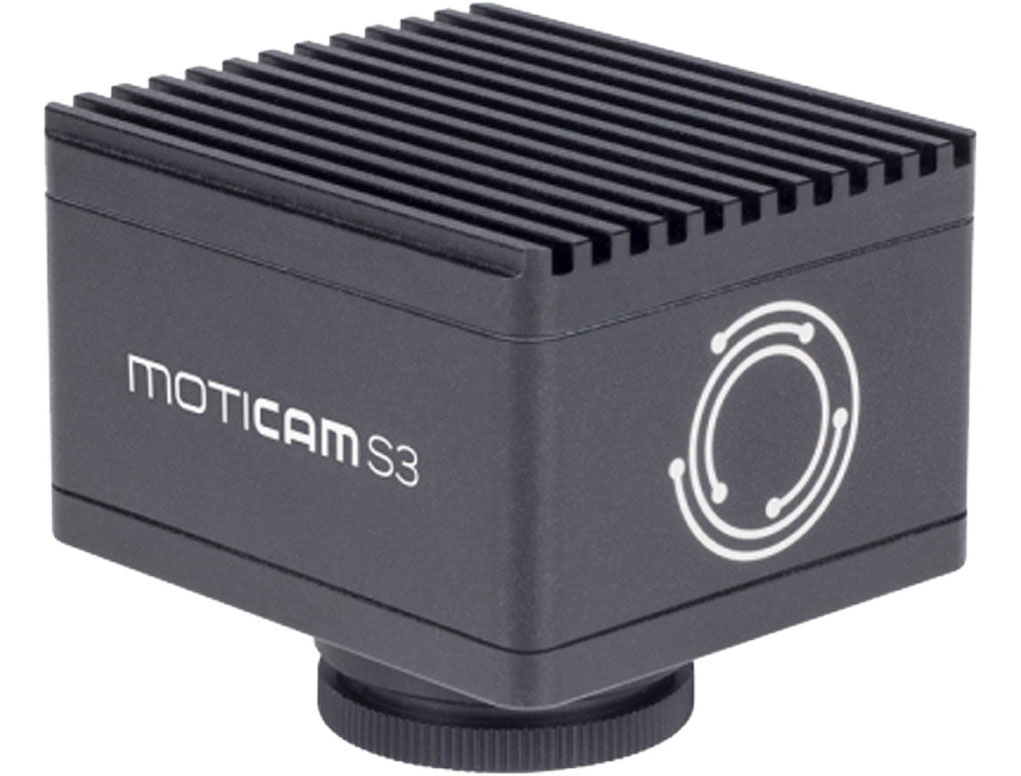
Key Features to Consider
When selecting a microscope camera, several key features should be considered to ensure optimal performance:
Resolution and Image Quality
Resolution plays a crucial role in the clarity of the captured images. Higher resolution cameras can reveal finer details of the specimen, which is vital for accurate analysis. It's essential to choose a camera with sufficient resolution for your research needs.
Connectivity Options
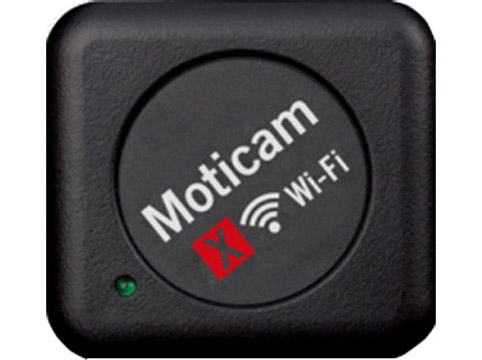
Microscope cameras come with various connectivity options, such as USB, HDMI, or Wi-Fi. The choice of connectivity depends on how you intend to use the camera and the compatibility with your existing equipment.
Software Compatibility
The accompanying software is integral to the camera's usability. A user-friendly interface with features like image measurement, annotation, and live video streaming enhances the overall experience.
Benefits of Using Microscope Cameras
Microscope cameras offer a multitude of benefits that contribute to scientific progress:
Enhanced Visualization
Microscope cameras provide a clear view of microscopic structures on a digital screen, allowing multiple people to observe simultaneously. This feature is particularly useful for educational purposes and collaborative research.
Documentation and Sharing
The ability to capture images and videos digitally simplifies the documentation process. Researchers can store and share findings more efficiently, fostering knowledge exchange and collaboration.
Analysis and Measurement
Microscope camera software often includes tools for measuring dimensions, angles, and other parameters of the specimen. This quantitative data is invaluable for accurate analysis and comparisons.
How to Choose the Right Microscope Camera
Selecting the right microscope camera involves considering various factors:
Application and Research Needs
Identify the primary purpose of the camera – whether it's for routine analysis, advanced research, or educational use. The camera's specifications should align with your specific requirements.
Budget Considerations
Microscope cameras are available at different price points. It's essential to balance your budget with the desired features and image quality to make an informed decision.
Compatibility with Microscope
Ensure that the camera is compatible with your microscope model. Adapters or specific mounts may be required for seamless integration.
Setting Up and Using a Microscope Camera
Installation Process
The installation process varies based on the camera type and model. Generally, it involves attaching the camera to the microscope's eyepiece tube or trinocular port and connecting it to a computer or display device.
Capturing Images and Videos
Microscope camera software provides options for capturing images in various formats and recording videos. Experiment with different settings to achieve the best results.
Tips for Optimal Results
- Keep the camera's lens and microscope's optics clean.
- Use appropriate lighting techniques to enhance contrast.
- Calibrate the camera regularly for accurate measurements.
Maintenance and Care
Cleaning and Protection
Dust and debris can affect image quality. Clean the camera lens and microscope optics using recommended methods and materials.
Regular Calibration
Calibrating the microscope camera ensures accurate measurements. Follow the manufacturer's guidelines for calibration procedures.